
Made for howyou work.
Whether you run a till, count other people's inventory, or need ZIMRA compliance, TotalTally fits. Find the setup that matches your job.
Shop owners
Know what sold before you lock up
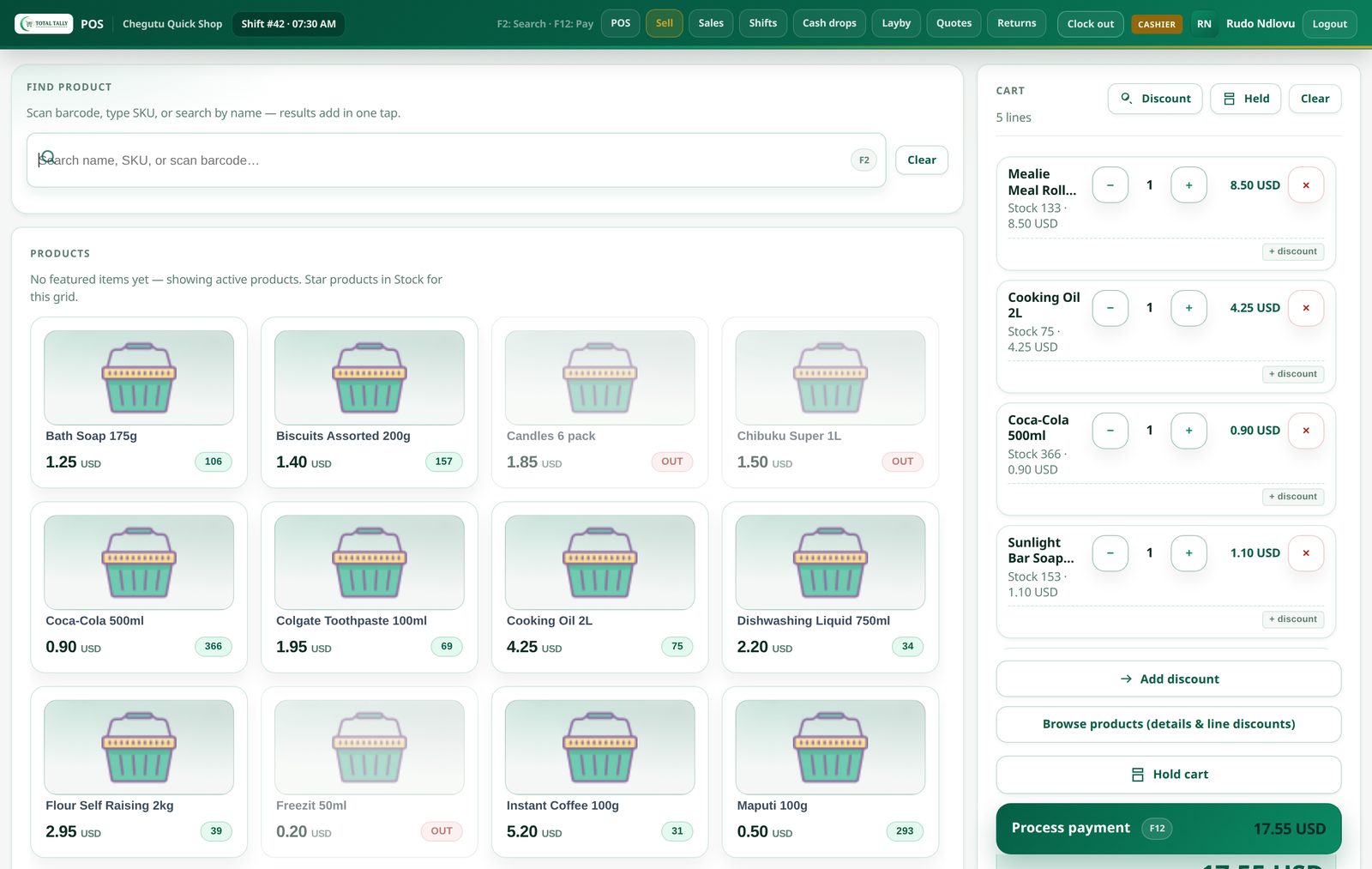
One shop or several. The till keeps selling when the network drops, and a live cloud dashboard shows you every branch.
Keep trading. Tills sell with no internet and sync when the line returns.
See every branch. Live sales, stock and shifts for each shop on one dashboard.
Fiscalise only where you need to. ZIMRA fiscalisation is opt-in per branch.
Start without a bill. One shop is free, so you can sell on it before you decide anything.
Best for: One shop or a growing chain that wants to know its numbers.
Stocktaking companies
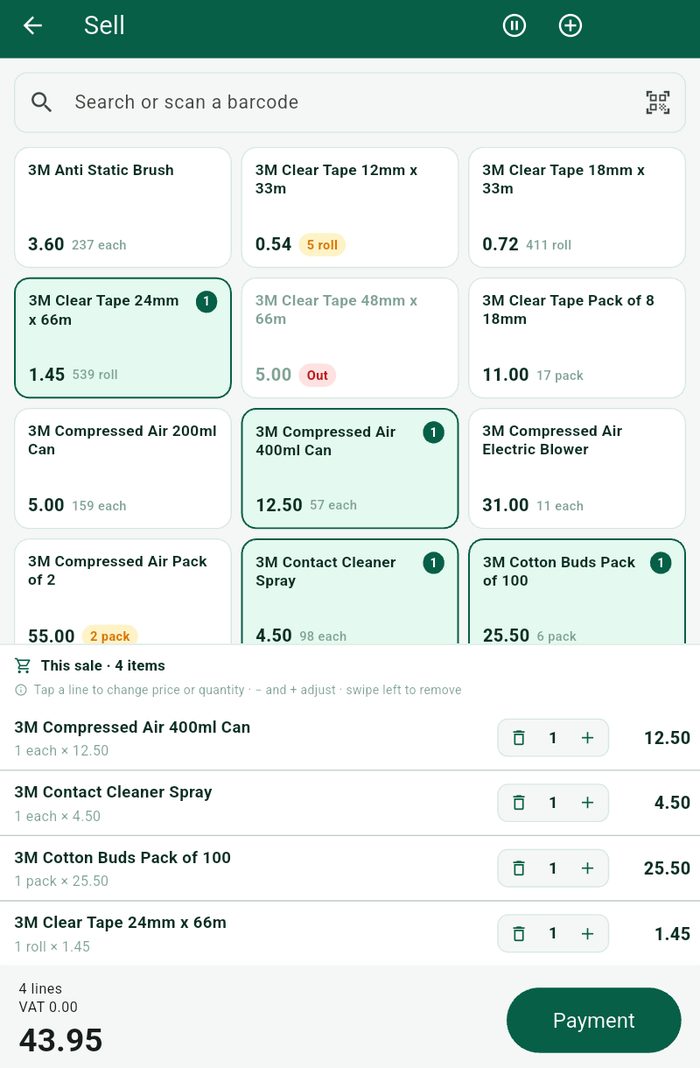
Send counters to client sites with just a phone
Count each product where it sits, up to 75% faster, with no server to install. Every client site sits under one account.
Faster on every job. In-place counting means no stock dragged to a table.
Nothing to set up on site. No server at the client. A phone and a login are enough.
Every client in one place. Manage many sites under one account, with or without a signal.
A pack for each client. Variance and valuation ready the same day, exportable to CSV.
Best for: Counting firms that manage stock for other businesses.
From signing up to taking money
Six steps, in the order they happen. Most shops are selling the same day.
- 01
Register your business
Fill in your shop details, pick a plan, and choose what you need — POS, Stocktaking, or both, plus the mobile till if you want it. It takes a couple of minutes and there is nothing to install yet.
No card needed to start.
- 02
You are issued your keys
Straight away you get a Shop ID, an activation key and an activation code, plus a company portal login. They arrive on screen and in your welcome email, and they live in your portal under Config & keys so you can find them again.
Treat them like passwords — they are what proves a device is yours.
- 03
Download your apps from your dashboard
Sign in to your portal and the Downloads page lists exactly what your plan includes: the Windows or Linux POS, the cashier Till, the Android mobile till, the Stocktaking app. Anything not published yet says so rather than giving you a dead button.
Your setup file with all your keys downloads from the same page.
- 04
Activate each device once
Install the app and paste the activation code. The code carries your server address and your shop key, so there is nothing else to type. The device now knows which shop it belongs to.
One key per till. A second machine on the same key is refused.
- 05
Trade — signal or no signal
Sell, take payment in USD or ZWG, move stock, cash up and close the shift. It all works with the internet down, because it is stored on the device first and sent afterwards.
A power cut or a dead line does not stop you taking money.
- 06
Watch it all from the cloud
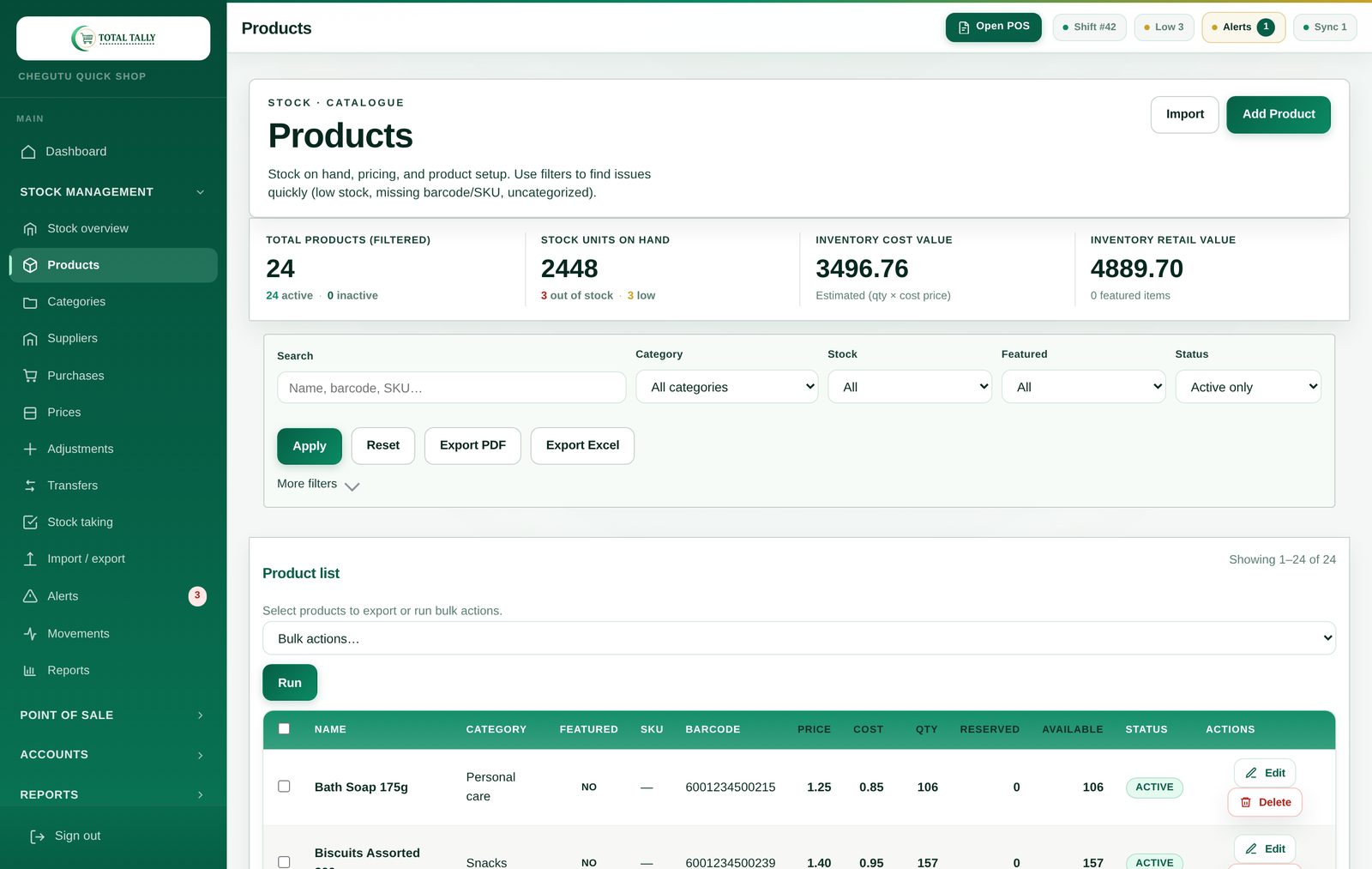
Everything syncs to your portal when a connection returns: sales, stock, shifts, Z reports and variance across every shop. Add ZIMRA fiscalisation per shop whenever you are VAT-ready.
Nothing is lost while you are offline — it queues and goes up.
Get started
Find your fit
Pick a setup and provision everything yourself. No technician required.
No card · No contract · Sells with no internet · Stuck? We'll set it up with you